Wallet that finishes fast
Top up from RM25 with Touch ’n Go eWallet, DuitNow, FPX or bank transfer. Deposits land in roughly 6 minutes, and a withdrawal request usually clears in about 19 minutes.
The jomwin33 app keeps 4,300 games, live dealer tables and your wallet on one Android screen. Download the 36 MB file from this page, install it once, then sign in with the same details you already use on the website.
jomwin33.apk · 36 MB · Android 8.0 or newer · Free
Already reading this on your phone? Tap the button and the browser saves the file straight to Downloads. If you would rather not type the address, the QR code in the app section below opens the same jomwin33.apk. 18+ · Play Responsibly
One file covers every Android phone running 8.0 or newer, and the build in the table is the one the server accepts today. Compare the name and size on your screen with the numbers below before you open anything.
Android APK
36 MB · version 2.9.3 · updated 11 November 2026
Download APKFirst time here? Create your account before the install finishes so you can sign in without hunting for a password.
| Detail | Value |
|---|---|
| App version | 2.9.3 |
| File name | jomwin33.apk |
| File size | 36 MB |
| Android minimum | 8.0 |
| Released | 11 November 2026 |
| Cost | Free |
| Languages | English / Bahasa Melayu |
A downloaded app behaves differently from a page in Chrome. The lobby stays open when you switch to a chat message, and the file itself is small enough to keep on a phone that is already full.
Bet buttons, the wallet and the cash-out control sit at the bottom of the screen, so you are not pinching the layout while a round is running.
36 MB is the whole package. On a normal 4G connection the file lands in a minute or two, and Android 8.0 is the only version you need.
Top up with Touch ’n Go eWallet, DuitNow, FPX or bank transfer, then message the 24/7 live chat team without leaving the table you are on.
Point your phone camera at the code to open the same jomwin33.apk.
Both run on one account, one wallet and the same 4,300 titles, so this is not a choice between two products. The difference is how you install it, how much data each one spends, and whose phone is in your hand.
| What changes | jomwin33 app | Mobile browser |
|---|---|---|
| Set-up | One 36 MB APK, installed once per phone | Nothing to install, just open jomwin33.my |
| Game library | 4,300 titles from 7 providers | Same library |
| Staying signed in | Session holds while you switch apps | Sign in again after clearing browser data |
| Screen space | No address bar, so the table fills the screen | Browser bars take a strip off the top and bottom |
| Updates | You install the new APK over the old one | Always the latest build, nothing to do |
| Live chat | One tap from any screen, 24/7 | Inside the page, 24/7 |
| Best for | Daily play on your own Android phone | iPhones, borrowed phones, quick balance checks |
If you play most days on your own Android device, the app saves a few taps every session. If you borrow a phone or only check a balance now and then, the browser needs no install at all. Either way the casino lobby is the same, and your balance follows you between them.
Top up from RM25 with Touch ’n Go eWallet, DuitNow, FPX or bank transfer. Deposits land in roughly 6 minutes, and a withdrawal request usually clears in about 19 minutes.
Every title from Evolution, Playtech, PG Soft, JILI, JDB, KA Gaming and Spribe appears here, sorted into slots, live tables, crash, fishing and sports so you can search by provider.
Blackjack, baccarat and roulette stream in a layout sized for a phone held upright. The table fills the screen, the chip tray sits under your thumb, and European Blackjack opens at RM2.
Open rounds such as Crash Bonus at 96.1% RTP and cash out before the curve drops. Bets start at RM2, and the multiplier history stays on screen while the next round loads.
Live chat is open 24/7 from any screen inside the app. Keep a National ID, passport or driving licence nearby if the team asks, because checks happen before your first withdrawal.
The account tab shows your tier, daily withdrawal ceiling and cashback rate. Classic pays 0.7% cashback a day with a RM5,500 ceiling, and those figures move as turnover grows.
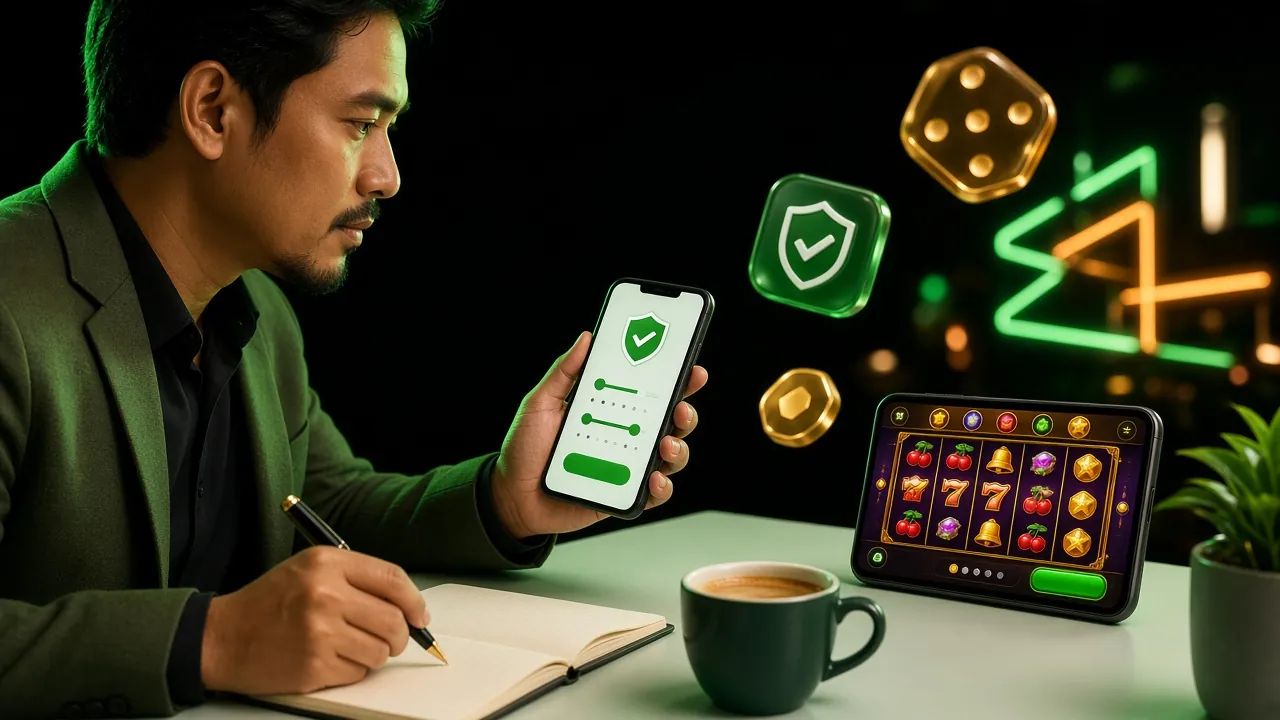
The app opens on the same lobby you see in a browser, so nothing has to be learned twice. Categories sit along the top, recently played titles return to the first row, and the search box finds a game by name or provider.
Not sure where to start? The two tiles here are popular picks, and the table lists the bet range each one accepts before you open it.

JILI · RTP 96.7% · bets from RM0.50

Playtech · RTP 97.5% · bets from RM1
| Game | Provider | Type | RTP | Min bet | Max bet |
|---|---|---|---|---|---|
| Fortune Gems 2 | JILI | Slots | 96.7% | RM0.50 | RM2,500 |
| Legend of Perseus | Playtech | Slots | 97.5% | RM1 | RM1,000 |
| Crash Bonus | JDB | Crash | 96.1% | RM2 | RM2,500 |
| Captain Fisher | JILI | Fishing | 96.3% | RM1 | RM500 |
| European Blackjack | Playtech | Live Casino | 95.2% | RM2 | RM2,500 |
| Jungle Delight | JDB | Slots | 97.1% | RM2 | RM500 |
The whole sequence takes a few minutes on a phone that already runs Android 8.0 or newer. The only step people skip is the first one, which is also the one the installer refuses to continue without.
Open Settings, then Apps, then Special app access, then Install unknown apps. Choose the browser you downloaded with and switch the permission on. Turn it back off once jomwin33 is installed.
Tap the Download APK button on this page. The file saves to Downloads unless the browser asks where to put it, so note the folder. Check the name reads jomwin33.apk before you open anything.
Pull down the notification shade and tap the finished download, or open Files, then Downloads, then jomwin33.apk. Chrome may warn that APK files can be harmful, which applies to every file of this type.
Tap Install and give it roughly half a minute. Play Protect may offer to scan the package first. If it blocks the file, choose More details and then Install anyway, but only for a file that came from jomwin33.my.
Open the app and use your usual jomwin33 login details, or register if the account is new. Deposits start at RM25, the first one carries 120% up to RM775 at 7× wagering, so set a spending limit while you are there.
There is no iOS file to install, so nothing here needs an update later. Safari saves a shortcut that opens the full lobby.
An APK does not pass through a store review, so the checks that usually happen automatically are yours to make. These four habits cover almost everything that goes wrong after a download.
Files reshared in chat groups or file hosts can be repacked before they reach you. The button on this page always serves the current 2.9.3 build; if a page asks you to pay before downloading, close it.
The installer needs storage to unpack the file, plus network access to reach your account. If a screen asks for SMS messages, contacts or accessibility control, cancel and download the file again from here.
Support will not ask for it, and nobody from jomwin33 will offer to install the app for you through a remote session. If someone claims otherwise, end the call and open live chat inside the app.
Send a National ID, passport or driving licence ahead of your first withdrawal. Reviews take about 6 hours, and finishing early keeps the 19-minute payout window realistic when you actually request money.
Because the app is distributed here and not through the Play Store, it cannot update itself. Comparing build numbers takes ten seconds and saves a failed sign-in later.
Almost every failed install on Android comes down to one of five causes. Match the message on your screen to the row below before you try anything else.
| What you see | Why it happens | What to do |
|---|---|---|
| “App not installed” | An older copy with a different signature is still on the phone, or the download stopped partway. | Remove every existing jomwin33 icon, clear the browser download list, then download the file again and install it as a fresh copy. |
| Play Protect blocks the file | Google flags anything that does not come from the Play Store, whatever the source. | Tap More details, then Install anyway. If that option is missing, re-download from this page and confirm the file name ends in .apk. |
| The Install button is greyed out | The unknown apps permission is still off for that browser, or a work profile is blocking it. | Allow installs for the browser under Special app access, then reopen the file. On a company phone, use your own device. |
| The download stalls or fails | Mobile data drops when the screen sleeps, or free storage has run out. | Switch to Wi-Fi, keep the screen awake, free some space and retry. The file is only 36 MB, so it should not take long. |
| The app closes on opening | Android is older than 8.0, or cached data survived an upgrade from an earlier build. | Check Settings and About phone. Below Android 8.0, use the mobile site. Otherwise clear the app cache and reinstall 2.9.3. |
Only when it comes from jomwin33.my. The APK on this page is the signed 2.9.3 build, 36 MB, and it is not offered on the Play Store, so nobody else is reviewing it for you. Copies posted in WhatsApp groups or file hosts can be modified before they reach your phone, which is why the download link stays on our own domain.
No, there is no iOS package to install, so an iPhone never asks you to allow unknown sources. Instead, open jomwin33.my in Safari, tap Share and choose Add to Home Screen. The shortcut opens the mobile site without browser bars, and the games, wallet and live chat all behave the same way inside it.
The app is free, and no subscription or in-app purchase unlocks anything inside it. The only money that moves is what you choose to deposit, and that starts at RM25. Standard gameplay rules apply to every bet placed in the app, exactly as they do on the website version of the lobby.
Nothing changes. Installing the newer APK over the old one keeps your login, balance and bonus progress, because the account is held on our servers rather than on the phone. If you uninstall first, the app simply resets, and you sign in again with the same username and password you already use.
From this page. There is no Play Store listing, so the app cannot update itself in the background. When a new build replaces 2.9.3, download it here and install it over the old copy. The whole process takes about a minute on Wi-Fi, and you keep the same account afterwards.
Yes. The app carries the full lobby: live blackjack and roulette from Playtech, crash rounds such as Crash Bonus at 96.1% RTP, fishing titles and slots from all seven providers. Minimum bets go as low as RM0.10 on selected games, so you can test a title before raising the stake.
Free some storage, move to Wi-Fi, then download the file once more from this page. If the installer still refuses, uninstall any old copy, restart the phone and install 2.9.3 again. Live chat is open 24/7 and can confirm the current file name, size and version while you are on the screen.
Your table fits in your pocket.
36 MB, Android 8.0 and above, free to install. Sign in with your existing details or open an account first.